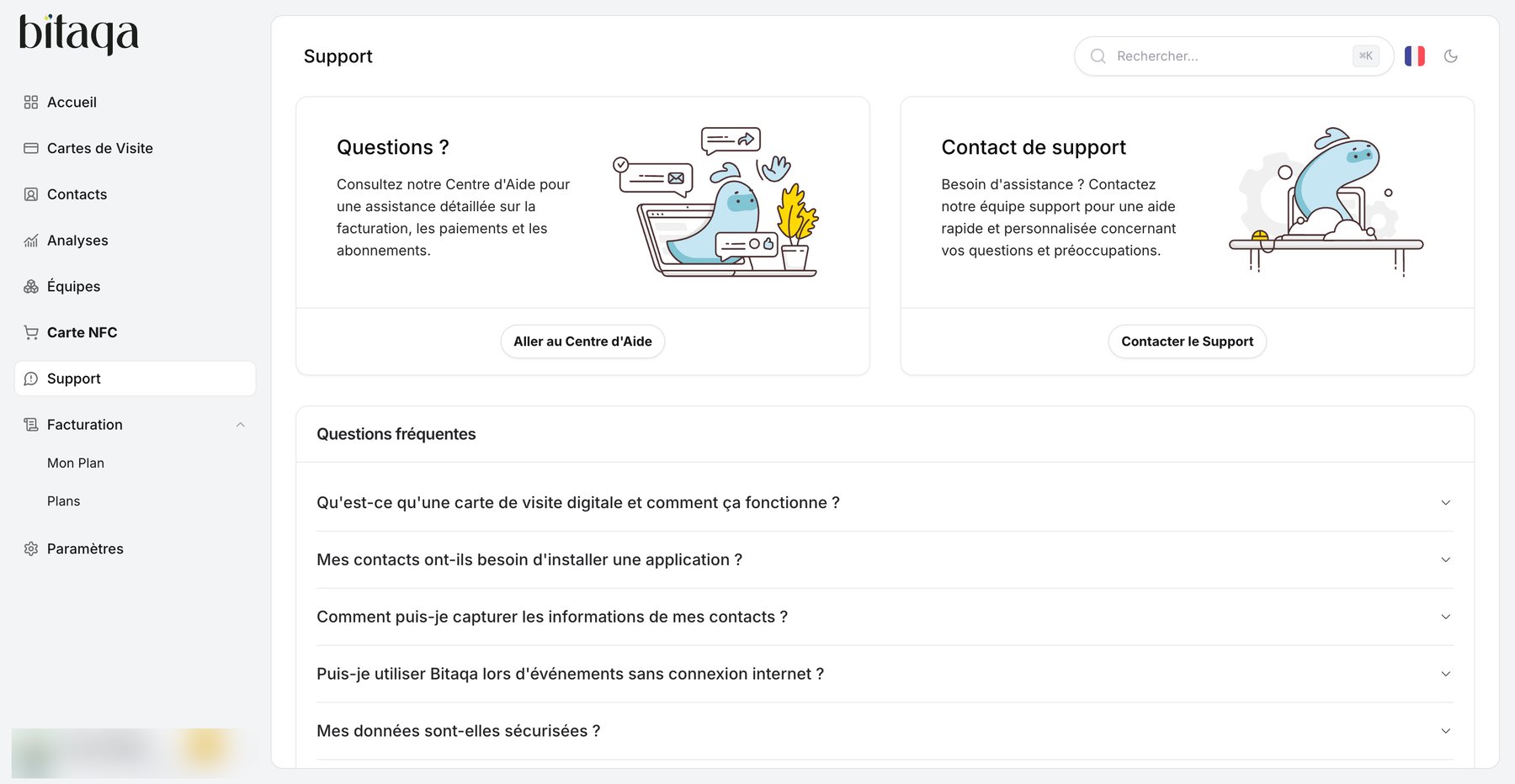
Button names are shown as in the French interface.

My NFC card doesn’t read

First check that your product is activated: Activation tab of the card editor, Produits Activés section.

The QR code doesn’t work

I can’t log in

My changes don’t show up

After your changes, click Enregistrer in the edited section, then Mettre à jour la VCard. Check the result in the Aperçu Mobile.

Contact support

Support page with Aller au Centre d'Aide, Contacter le Support and frequently asked questions
In your space, click Support in the menu: you’ll find the frequently asked questions, the Aller au Centre d’Aide link and the Contacter le Support button. You can also write to contact@bitaqa.tn or use the Contact page. Include a clear description of the problem, your account email and, if possible, a screenshot.