

Button names are shown as in the interface (some are in English).
What your contact sees
1
Open your card
Your contact opens your card (by NFC, QR code or link).
2
Tap “Connect with me”
They tap the Connect with me button. A form titled “Share your info with” followed by your name appears.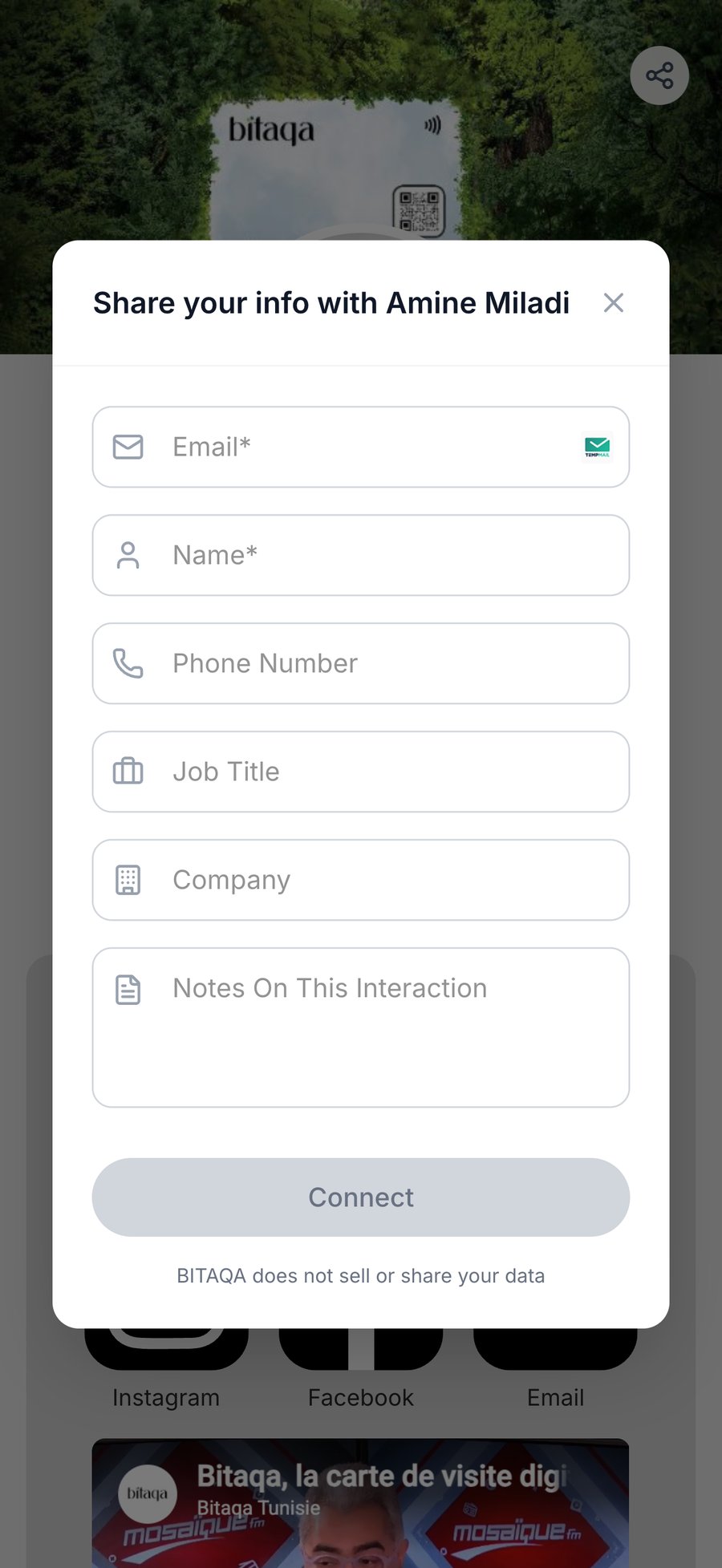
3
Fill in the form
The fields are: Email (required), Name (required), Phone Number, Job Title, Company and Notes On This Interaction.
4
Submit
They tap Connect. The button stays grey until the required fields are filled in. The form states that Bitaqa does not sell or share the data.