

Field and button names are shown as in the French interface.
1
Open the sign-up page
Go to my.bitaqa.tn and click S’inscrire (Sign up). The Inscription page appears with the message “Créez votre compte pour commencer”.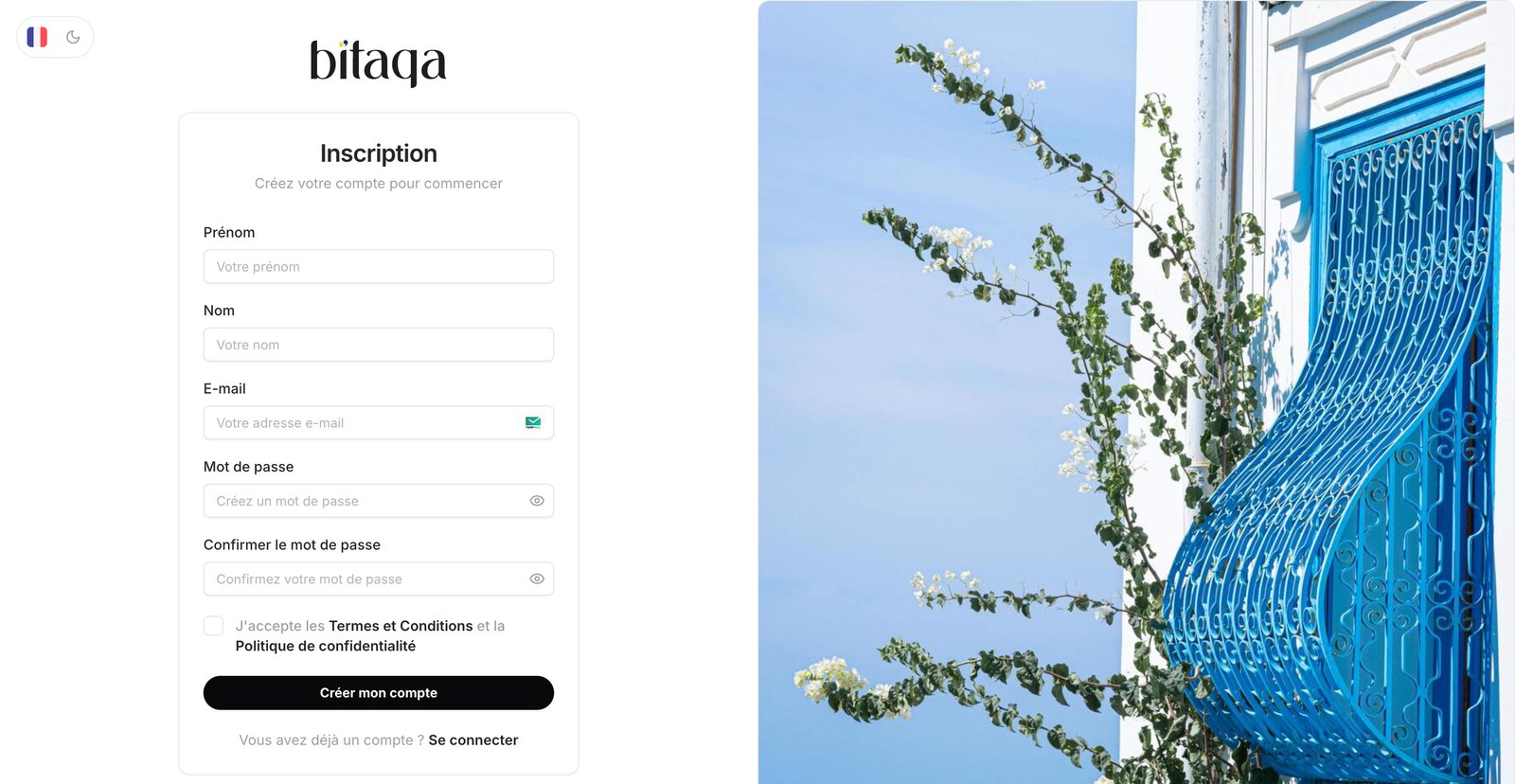
2
Fill in the form
Enter Prénom (first name), Nom (last name), E-mail, Mot de passe (password) and Confirmer le mot de passe. The eye icon shows the password you typed.
3
Accept the conditions
Tick the box “J’accepte les Termes et Conditions et la Politique de confidentialité” (terms and privacy policy).
4
Create the account
Click Créer mon compte.
Already have an account? Click Se connecter (Log in) below the form. You can change the page language (flag at the top left) and the light or dark theme.