

Button names are shown as in the French interface.
Copy your card link
1
Open Cartes de Visite
Log in to my.bitaqa.tn, then click Cartes de Visite.
2
Copy the link
On the relevant card, click Copier le lien.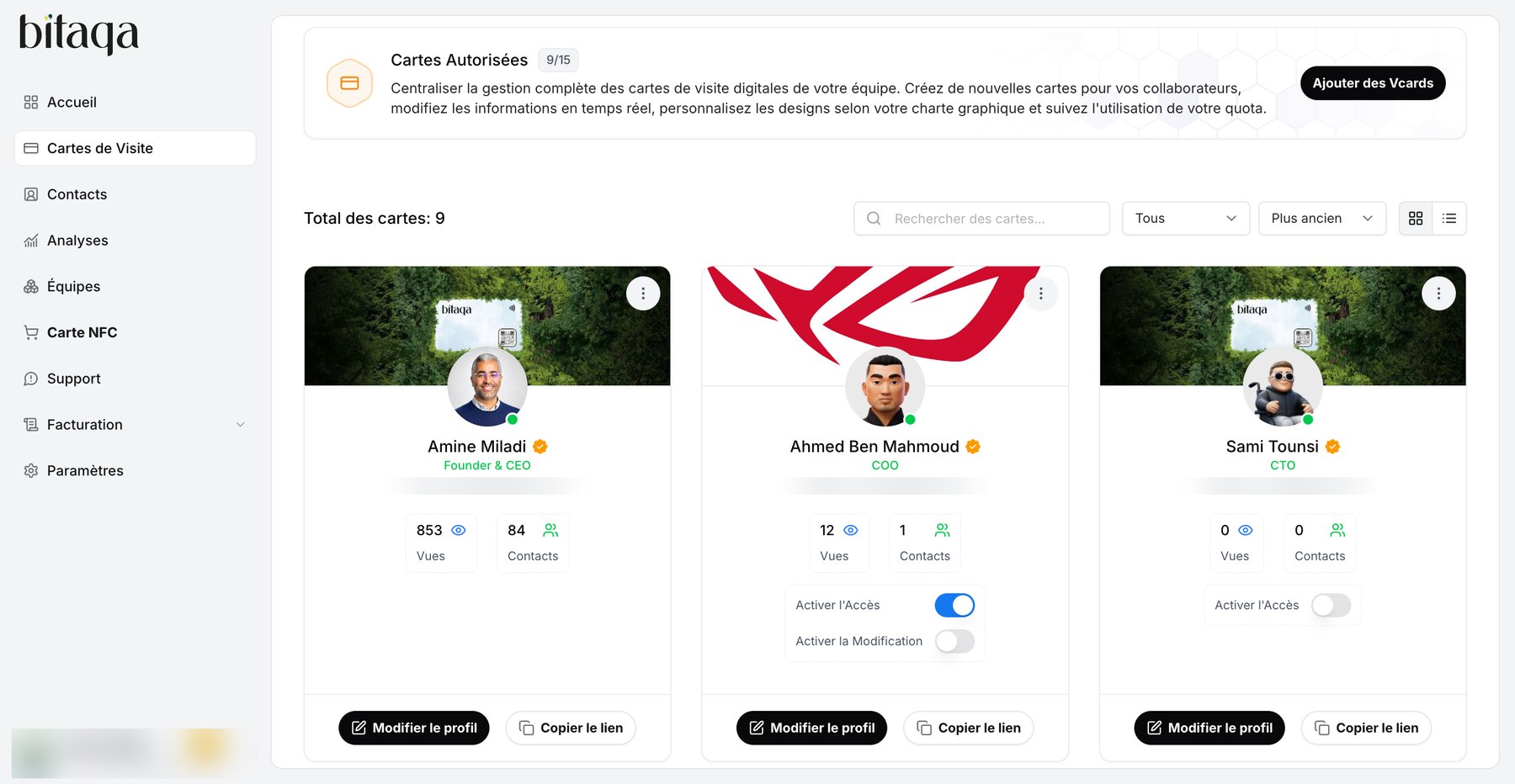
3
Send the link
Paste it in a message, an email or on social media. The link looks like
bitaqa.tn/c/your-username.