

Button names are shown as in the French interface.
1
Open Analyses
Click Analyses in the left menu, then choose the Plage de Dates (date range) to export.
2
Open the export menu
Click Exporter at the top right of the Vues, Prospects Générés et Contacts Téléchargés chart.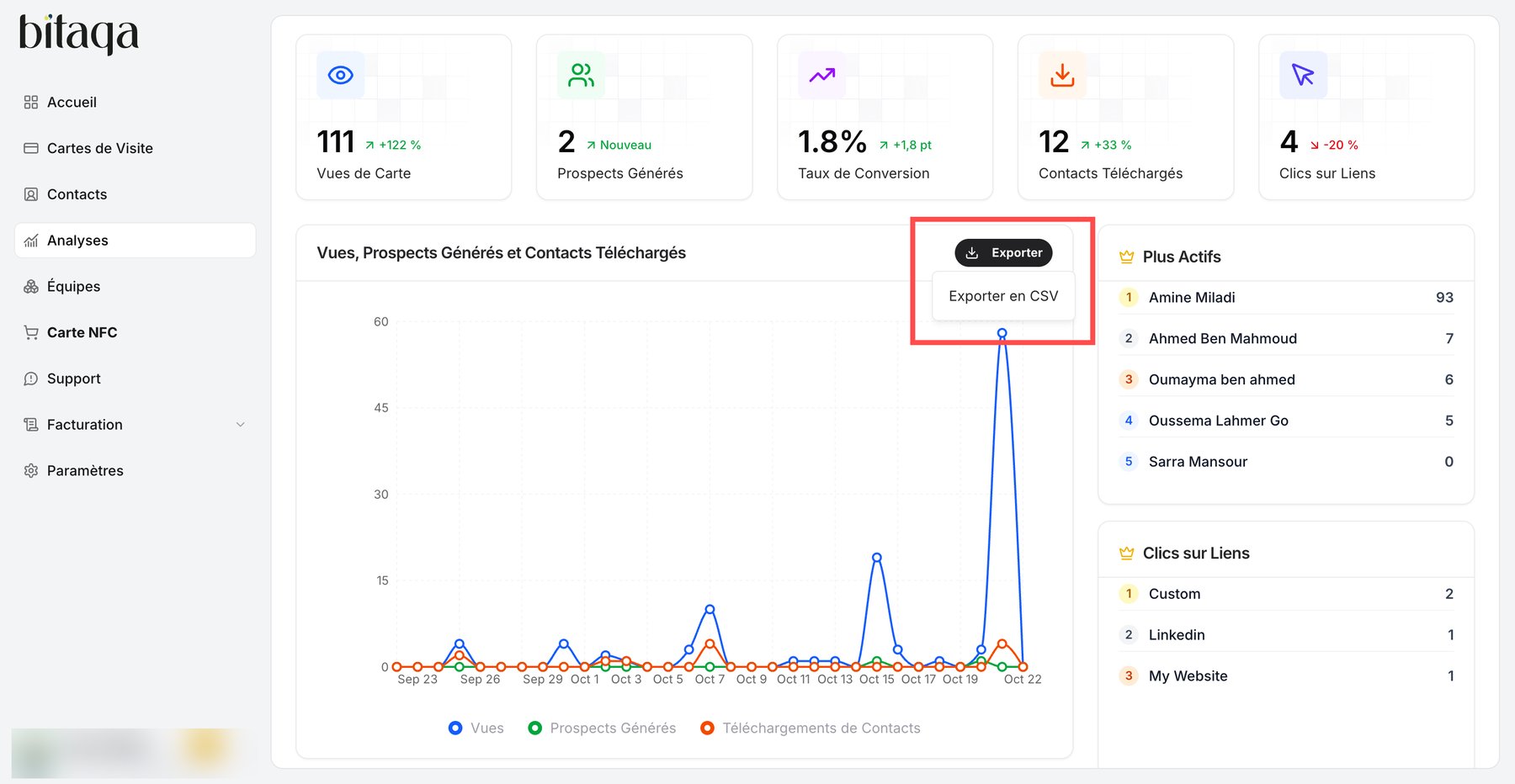
3
Choose the format
Click Exporter en CSV. Your browser downloads the CSV file.