

Button names are shown as in the French interface.
View your contacts
1
Open Contacts
Click Contacts in the left menu.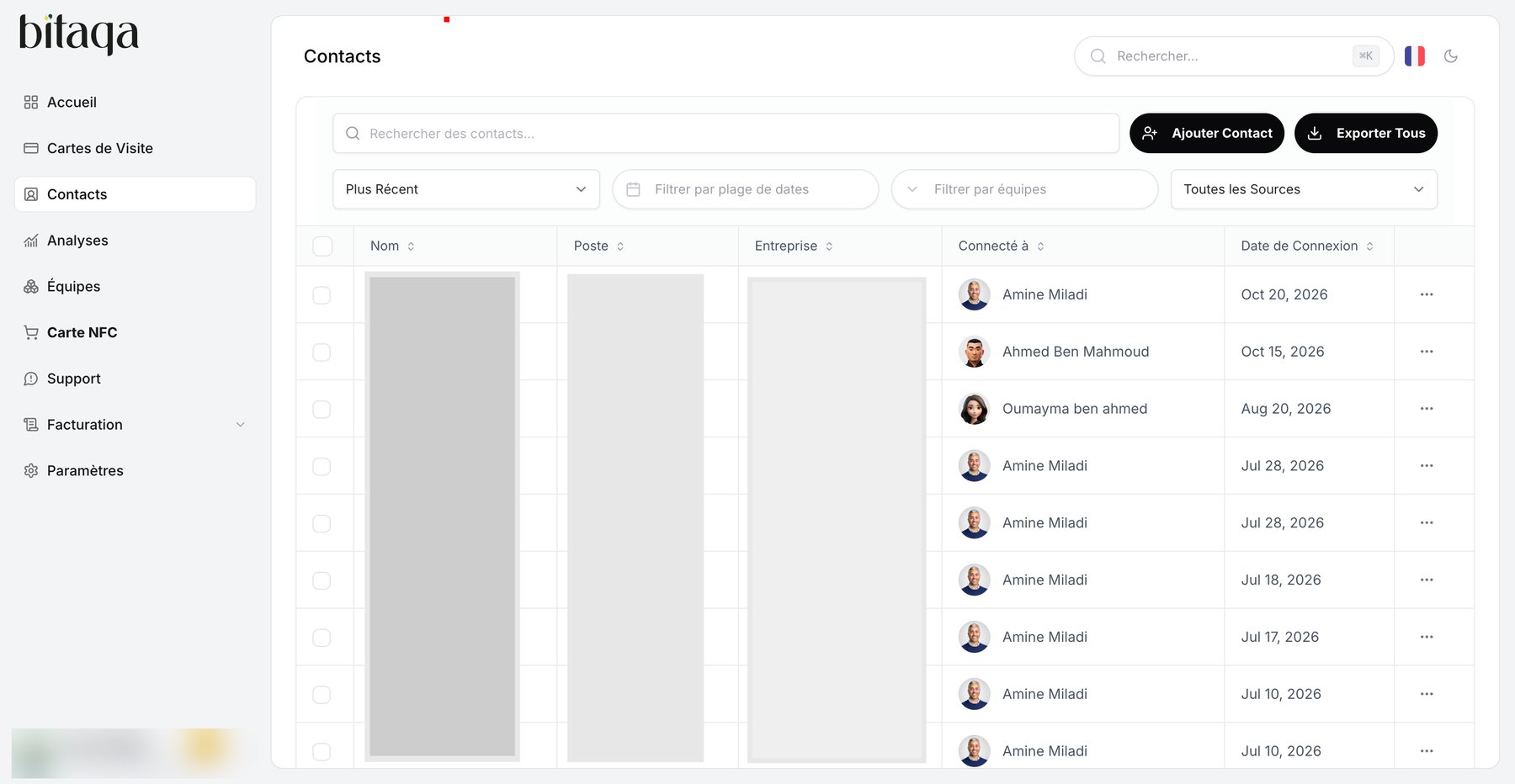
2
Read the table
Each row shows the Nom (name), Poste (job title), Entreprise (company), the card the contact is Connecté à (connected to) and the Date de Connexion. Use the pagination below the table and Rows per page to browse the list.
Search, sort and filter
- Rechercher… (shortcut
⌘K) to find a contact. - Plus Récent to change the sort order.
- Filtrer par plage de dates to limit the period.
- Filtrer par équipes to see a team’s contacts.
- Toutes les Sources to filter by contact origin.